Most owners find out their site has a security problem when a customer mentions a browser warning, or the site quietly drops out of Google. Both are expensive ways to answer the question "is my website secure?"
The good news: you can check a fair bit yourself in a few minutes. The rest is down to whoever hosts and looks after your site, and you just need to know what to ask them.
Why it matters, even for a small business
The Australian Signals Directorate's cyber security guidance says websites are a critical business asset that can be targeted by cybercriminals seeking financial gain, sensitive information or service disruption. It lists malware, website defacement, data breaches and denial-of-service attacks as the common threats (cyber.gov.au). Being small doesn't take you off the list.
For a local business, the damage usually shows up as lost enquiries while the site is down or flagged, customers who don't come back, and time and money spent fixing it.
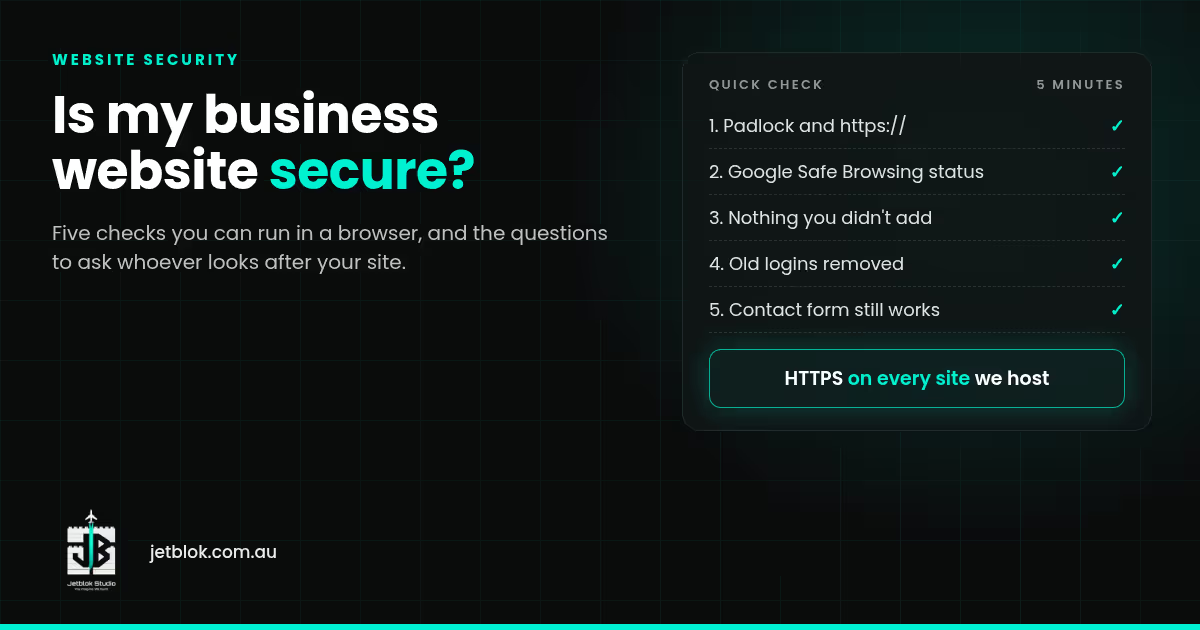
Is my website secure? Five checks you can do right now
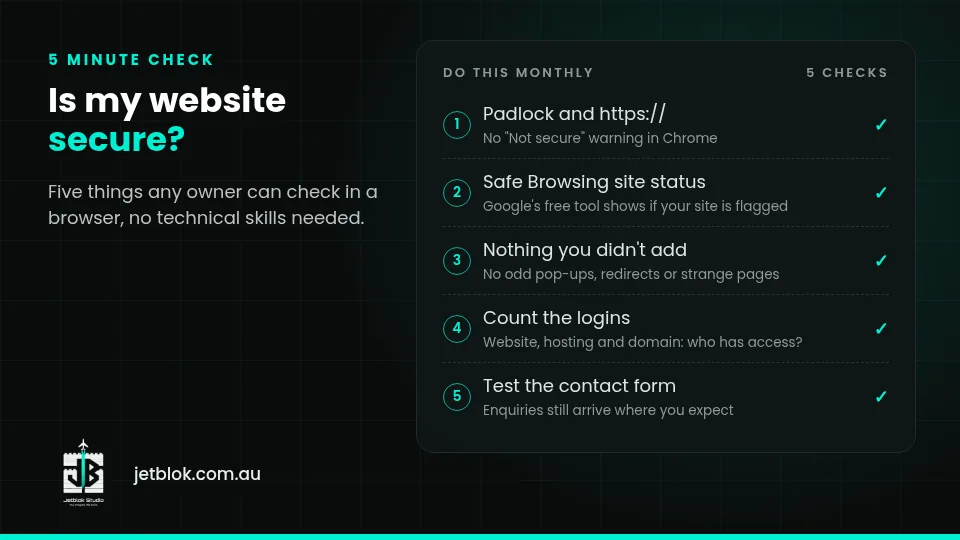
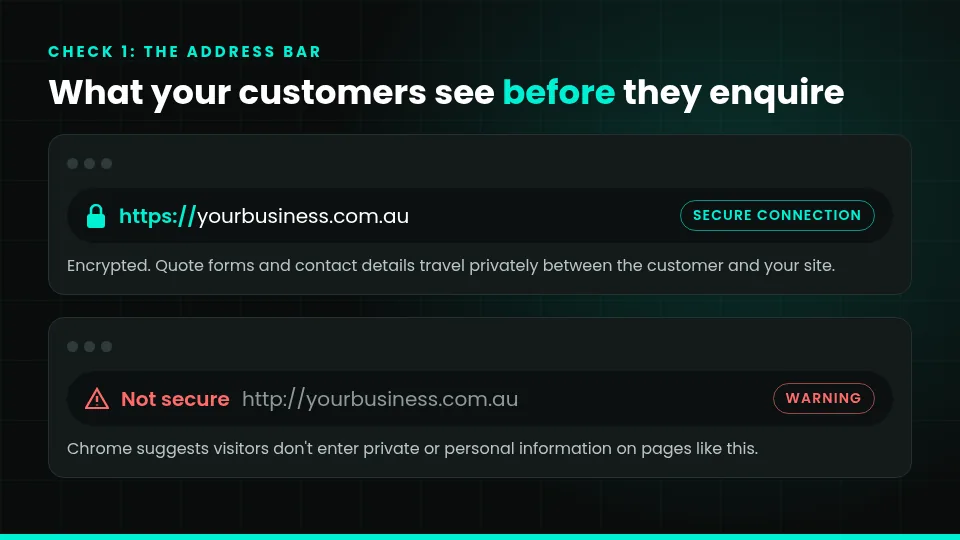
- Look for the padlock. Your site should load on https://. If Chrome shows "Not secure", every visitor sees that warning too, and Chrome suggests they don't enter any private or personal information on that page (Google Chrome Help).
- Check Google's safety status. Put your domain into Google's free Safe Browsing site status tool to see whether Google currently flags it as unsafe.
- Look for things you didn't add. Strange pop-ups, redirects to other sites, or pages you've never seen are warning signs.
- Count the logins. Who can log in to your website, hosting and domain? Former staff or an old designer shouldn't still have access.
- Test your contact form. Make sure enquiries still arrive, and that you know where they're stored.
What a properly looked-after site has
The ASD's key actions for website owners are to turn on multi-factor authentication for admin accounts, use HTTPS, strong passwords and appropriate access controls, back up regularly, keep software, devices and plugins up to date, and review the site for suspicious activity (cyber.gov.au). It also suggests renewing your domain before it expires, with auto renewal on or more than one person getting the reminders, so nobody else can take control of it.
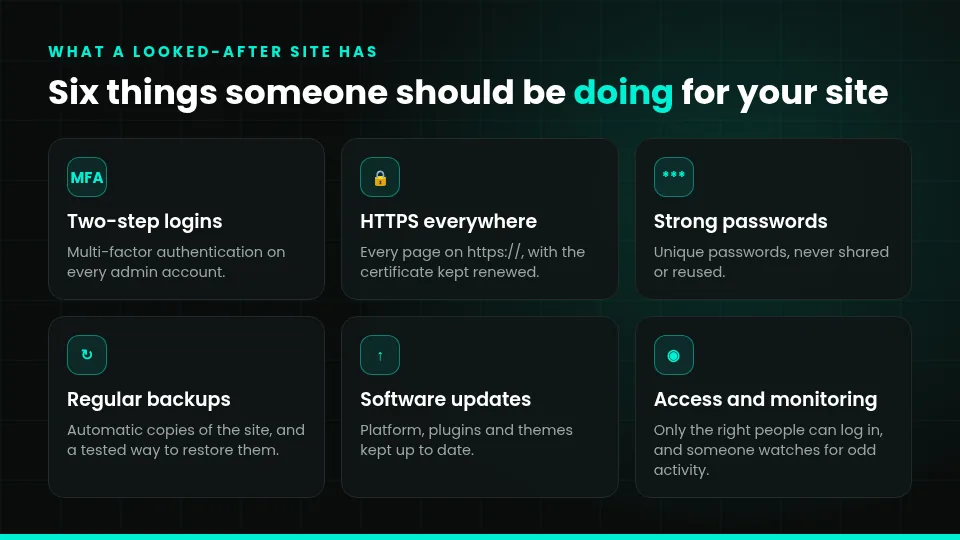
You don't need to do all that yourself. You do need to know someone is.
Questions to ask your designer or host
- Is HTTPS on every page, and who renews it?
- Who keeps the site's software and plugins updated, and how often?
- Is multi-factor authentication on for admin logins?
- Are there automatic backups, and how fast could you restore the site?
- Is the domain set to auto renew, and in whose name?
- Would anyone notice if the site went down or got flagged?
- What happens to all of this if I stop paying for support?
Vague answers are an answer. Anyone looking after security properly can explain it in plain English.
WordPress sites with lots of plugins need extra attention, because every plugin is something else to keep updated. If yours hasn't been touched in years, a redesign can be cheaper than patching it forever.
If you think your site has been hacked
- Change your passwords from a device you trust, and turn on multi-factor authentication.
- Contact your host and whoever built the site.
- Don't keep editing it while it's compromised.
- Report it through the government's ReportCyber service.
- If customer details may have been exposed, check your privacy obligations with the OAIC. Our privacy policy guide is a good place to start.
How JetBlok handles it
- HTTPS on every site we host, with JetBlok hosting included on the Next.js sites we host. See website hosting for small business, explained.
- Care Plan, $299 a month, No GST (optional): security monitoring and updates, daily backups, performance monitoring, a monthly performance report and small edits. See the Care Plan.
- You own it: you own the domain and, once paid in full, the finished site.
Packages are Starter $999, Growth $1,999 and Pro $2,999+, No GST. See pricing, websites for tradies or WordPress web design. We build for businesses right across Perth.
No one can honestly promise a site will never be attacked. What you can have is someone keeping an eye on it, so problems get caught early.
FAQ
Does the padlock mean my website is secure?
It means the connection is encrypted, so information sent between the visitor and the site stays private. It doesn't tell you whether the site's software is up to date or who has admin access.
How often should I check my website's security?
Do the quick browser checks every month or so. Updates and backups should happen regularly in the background, not once a year.
My site is old but still works. Is that a problem?
Working and secure aren't the same thing. Ask whoever hosts it what's being updated and whether backups exist. If nobody knows, start there.
Can JetBlok look after a site you didn't build?
Sometimes, if we can access it safely. Check with us before you sign up. The Care Plan is designed around JetBlok-hosted Next.js sites and WordPress or Shopify projects we maintain. See the Care Plan page.
Want someone keeping an eye on it?
Have a quick chat about how your site is looked after today. Monday to Friday 8am to 6pm, Saturday and Sunday 10am to 7pm (Perth time).