Quick answer
- The law: the Disability Discrimination Act 1992 makes disability discrimination unlawful in the provision of goods, services and facilities. Selling through a website is a service in that sense. (Disability Discrimination Act 1992)
- The Commission's guidance: in 2025 the Australian Human Rights Commission published Guidelines on equal access to digital goods and services. The guidelines are not legally binding. The Commission says meeting the standards discussed in them will help organisations meet their DDA obligations.
- The technical target: the Commission says organisations should conform with WCAG 2.2 at a minimum Level AA, and consider appropriate Level AAA criteria. (AHRC, Chapter 3)
- Private stores: you do not have to be a government agency for this to matter. There is no microenterprise exemption in the DDA that works like the one in the European Accessibility Act.
- A widget or a scan: these can help you reduce accessibility barriers and find common issues. They do not make a store meet the DDA, and they do not protect you from a complaint.
If you sell online in Australia, your website is part of how you provide a service. That matters under the Disability Discrimination Act 1992, often called the DDA. You do not need a government certificate to open a Shopify store, but you do have a legal duty not to discriminate against people with disability in the provision of goods and services.
This article is general information for store owners. It is not legal advice, and it is not a ruling on your particular site. If you need advice for your business, speak to a lawyer who knows Australian discrimination law.
What does the Disability Discrimination Act cover?
The Disability Discrimination Act 1992 is a federal law. It makes discrimination on the ground of disability unlawful in defined areas of public life, including the provision of goods, services and facilities. Selling products through a website is a service in that sense, just as serving someone in a physical shop is.
The Australian Human Rights Commission (AHRC) can investigate complaints under the DDA. The Commission has also published guidance to help organisations avoid discrimination when they provide digital goods and services. That guidance is not itself the law, but the Commission and other agencies can consider it when they deal with a complaint.
A long-standing example is Maguire v Sydney Organising Committee for the Olympic Games (No 2) [2000] HREOCA 31. The Commission treated WCAG as relevant to what equal access can mean under the DDA, in a case about a website that a blind user could not use. The web has changed a great deal since 2000. The legal idea has not: if people with disability cannot use your store on the same basis as other customers, you can face a complaint.
What does the Australian Human Rights Commission recommend now?
In 2025 the Commission published new Guidelines on equal access to digital goods and services. They update the older World Wide Web Access advisory notes from 2014. The Commission is clear that the guidelines are not legally binding, and that they should be read together with the Act. It also says meeting the standards discussed in the document will help organisations meet their DDA obligations, and that those standards are the minimum organisations should aim for.
On the technical standard, the Commission's Chapter 3 says organisations should conform with WCAG 2.2 at a minimum Level AA, and should consider appropriate Level AAA criteria (for example video transcripts, or clearer links and headings) where that is suitable. WCAG 2.2 is the current W3C recommendation, explained at w3.org/TR/WCAG22.
In store terms, Level AA usually means things like:
- useful alternative text on images, including product photos
- enough contrast between text and background
- form fields with labels, including at checkout
- a site you can use with a keyboard, not just a mouse
- headings, a page title and a page language that assistive technology can follow
- a way to pause motion, and captions or transcripts where you use video or audio
WCAG is a design standard, not a sticker. An automated scan can find common issues. It cannot certify that a store "meets the DDA" or "is WCAG AA". A widget that lets shoppers enlarge text or raise contrast can reduce barriers. It does not replace good theme markup, and it does not protect you from a complaint.
What does this mean for an Australian Shopify store?
You do not have to be a government agency for this to matter. The DDA can apply to private businesses that provide goods and services. There is no microenterprise exemption in the DDA that works like the one in the European Accessibility Act.
If you also sell to customers in the EU, a second set of rules may apply. The European Accessibility Act has covered e-commerce services provided to consumers since 28 June 2025, with a genuine exemption for some very small businesses. That is a separate question, covered in our post on the European Accessibility Act for Shopify stores.
If you are rebuilding a site, our website accessibility in Perth page explains how we approach accessibility on JetBlok builds. The starting list below is for any Australian online store, including a Shopify store you already run.
- Use your own site with a keyboard, then with the text zoomed. Try a product page, a collection, the cart and checkout. Write down anything you cannot do.
- Fix product image alt text in the Shopify admin. Empty alt text on every product photo is a common issue we see.
- Check contrast on buttons, prices and sale badges. Pale grey text on a white background is a frequent problem in themes.
- Make sure form fields have visible labels, not just placeholder text, including newsletter and checkout fields you control.
- Publish an honest accessibility statement. Say what you have done, how people can contact you, and what you still need to fix. The Commission talks about equal access, not about a perfect score on a widget.
- Re-check after theme changes, app installs and campaign landing pages. A store that was usable in March can break in November.
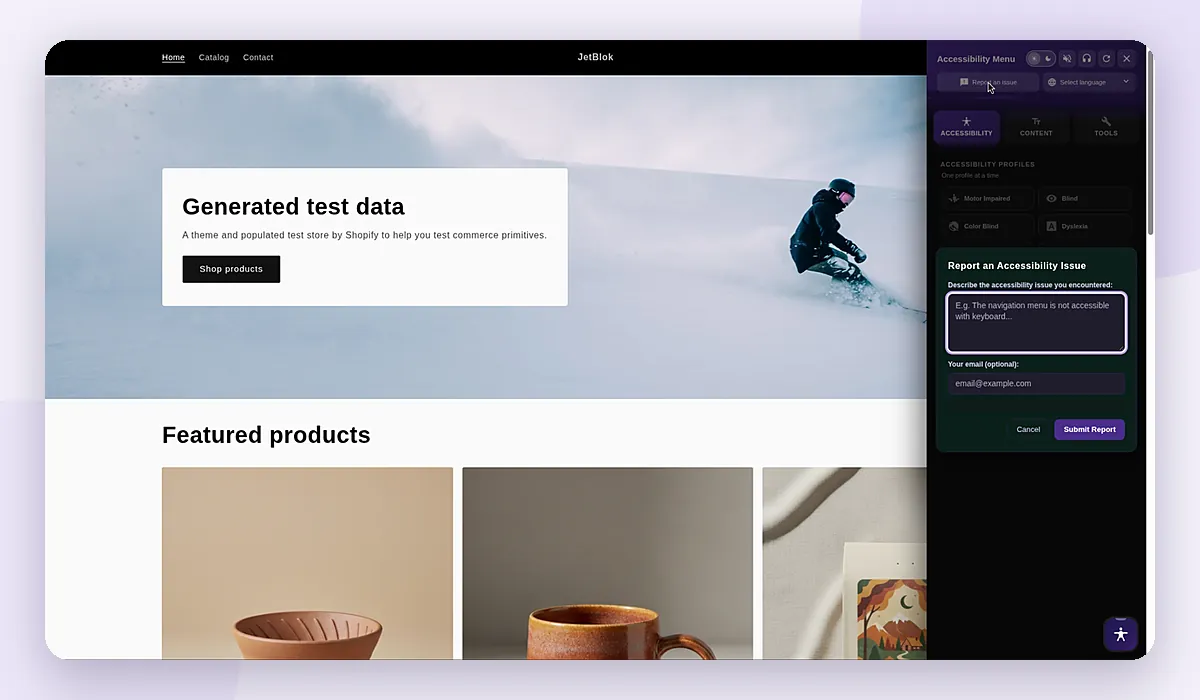
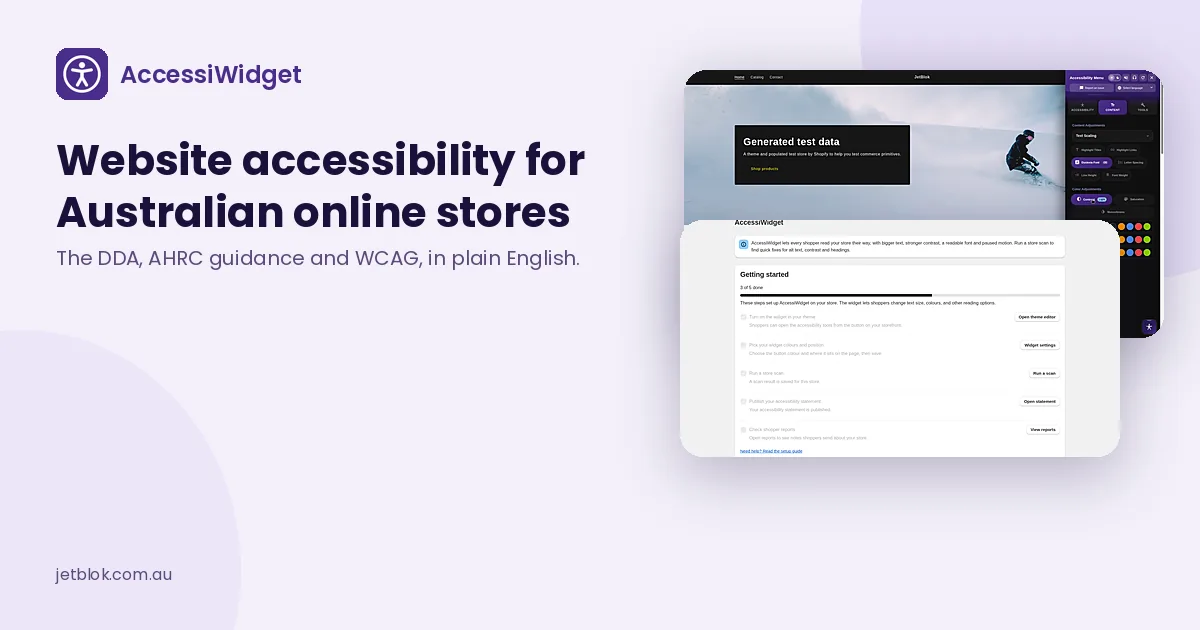
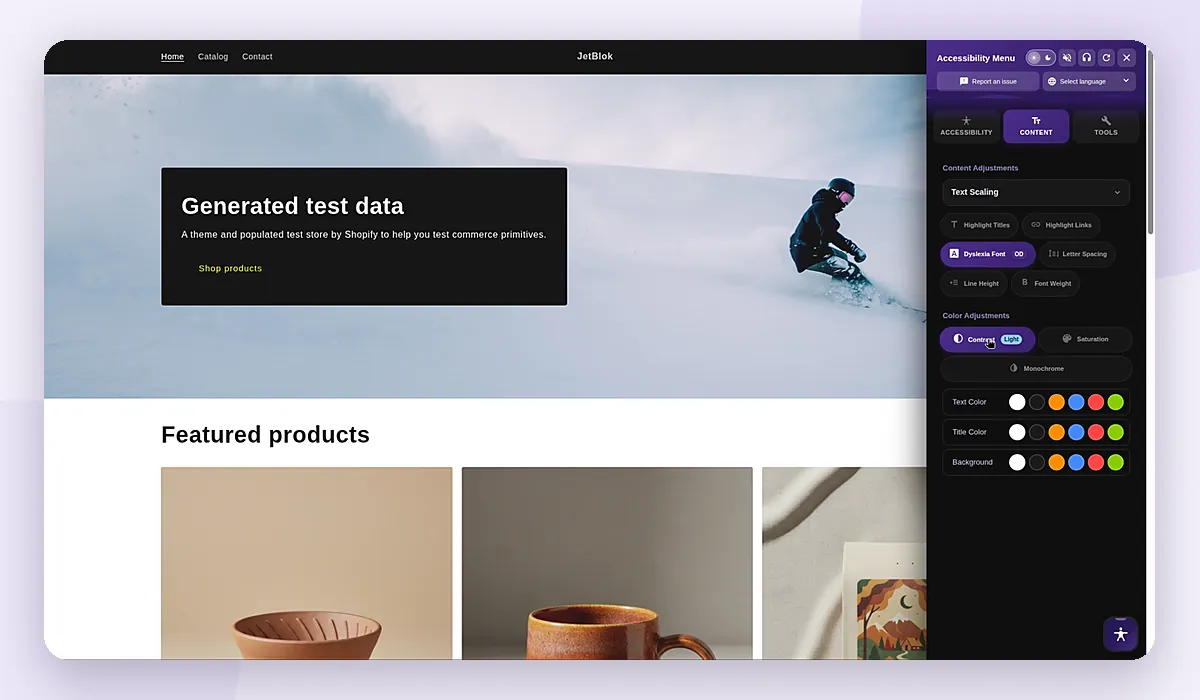
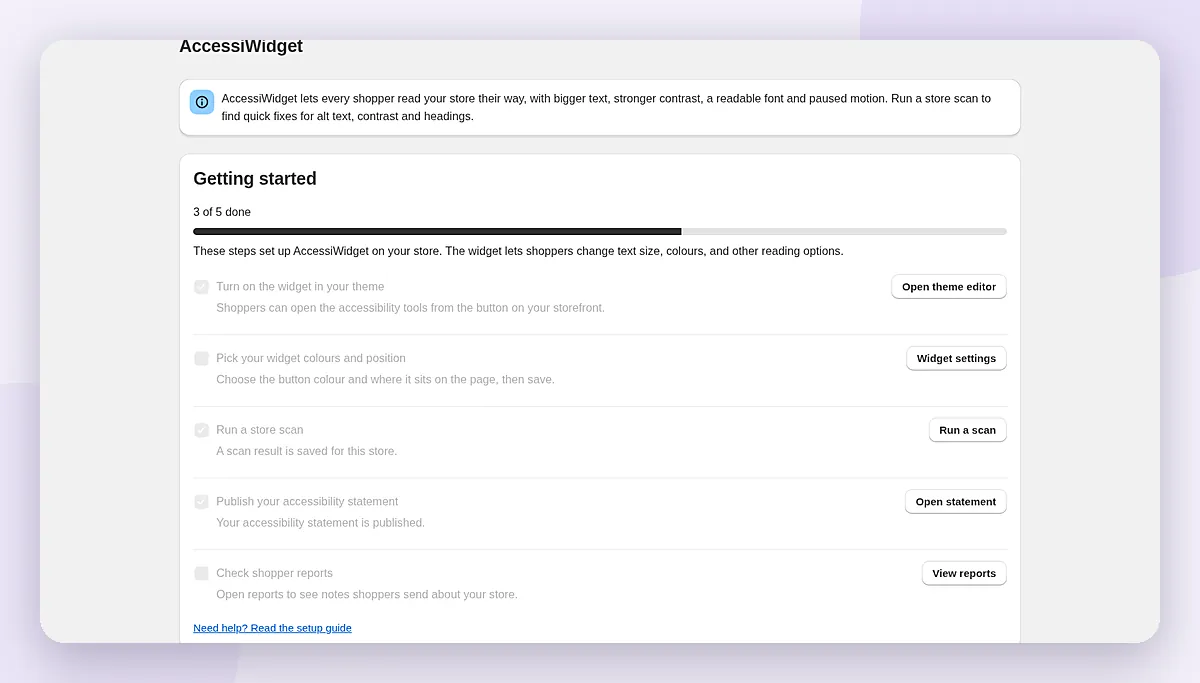
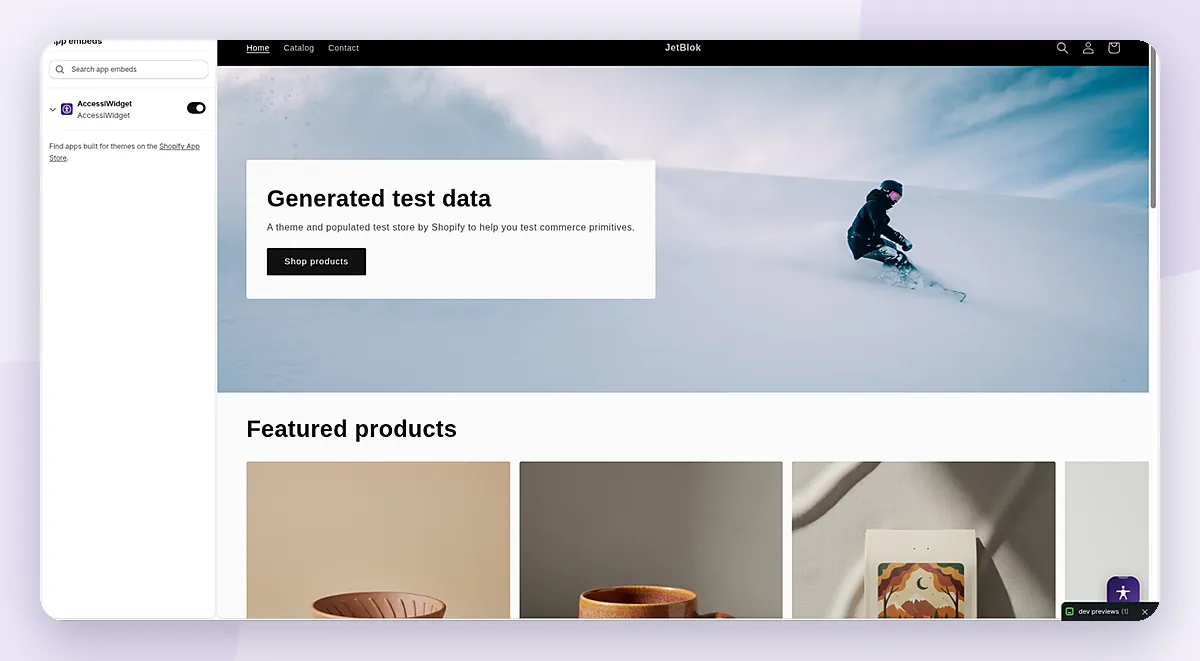
If you want help reducing barriers for shoppers, and a way to find common issues and publish a statement, AccessiWidget is our Shopify app, built in Perth. It is built around WCAG 2.2 guidelines and is there to help you work toward WCAG 2.2 and to support your compliance efforts. It does not make your store compliant, and it does not protect you from legal claims. For a fuller walkthrough, see our Shopify accessibility app guide and the AccessiWidget hub.
Frequently Asked Questions
Does the DDA apply to a private Shopify store?
It can. The DDA makes disability discrimination unlawful in the provision of goods, services and facilities. You do not have to be a government agency. Selling through a website is a way of providing a service. This is general information, not a ruling on your store.
Is there a small-business exemption like the one in the EAA?
No. There is no microenterprise exemption in the DDA that works like the exemption in the European Accessibility Act. If you also sell to customers in the EU, the EAA is a separate set of rules, with its own exemption for some very small service providers.
What standard does the Commission recommend?
The Australian Human Rights Commission's 2025 guidelines are not legally binding. In Chapter 3, the Commission says organisations should conform with WCAG 2.2 at a minimum Level AA, and should consider appropriate Level AAA criteria where that is suitable.
Does an accessibility widget mean a store meets the DDA?
No. A widget that lets shoppers enlarge text or raise contrast can reduce barriers. A scan can find common issues. Neither one makes a store meet the DDA, and neither one protects you from a complaint. Theme markup, alt text, contrast, labels and a usable checkout still matter.