Wondering how to know if your website is working? A website can look fine on your laptop and still be failing quietly. The form might be sending nothing. The site might crawl on a customer's phone. Or it might be invisible on Google for the jobs you actually want.
For a small business, "working" means one thing: it brings in enquiries. Here are the few numbers that tell you whether it does, where to find them for free, and a quick monthly check.
The only question that matters: are enquiries coming in?
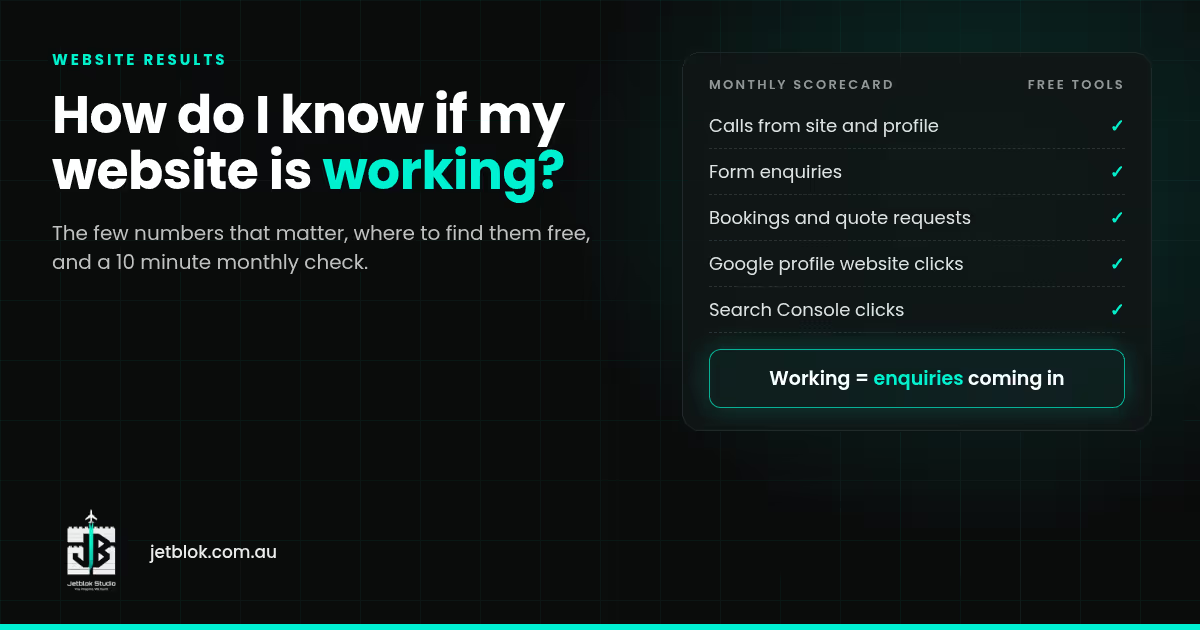
Start with your own tally. Each month, count:
- Calls that came from the website or your Google profile.
- Form enquiries.
- Bookings or quote requests.
Two or three months of numbers will tell you more than any fancy report, because you can see which way they're heading.
The free numbers worth watching
Google Business Profile
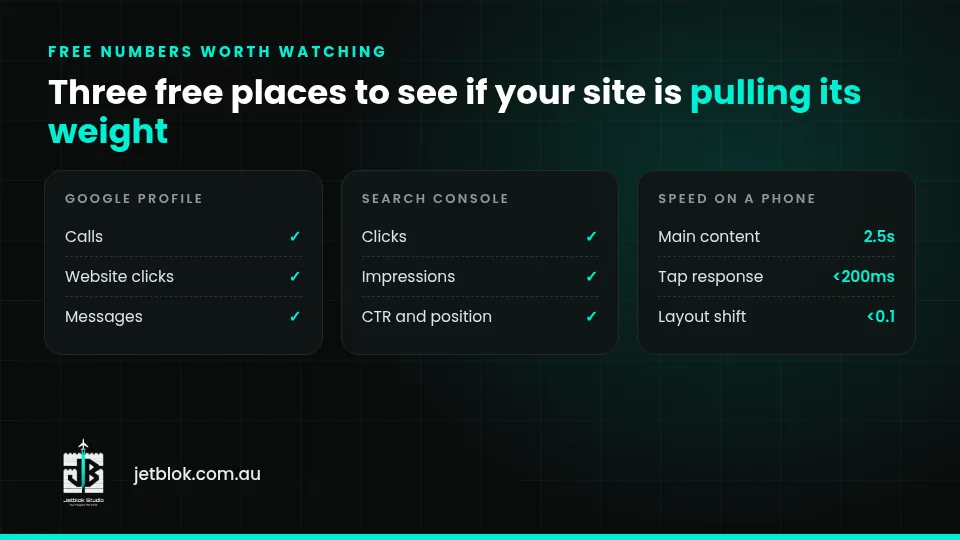
Your profile's performance section shows calls from the call button, clicks through to your website, messages and more (Google Business Profile Help). For most local businesses, this is where a lot of enquiries start. Not set up yet? See Google Business Profile setup.
Google Search Console
Search Console is free and shows how you're doing in Google Search. Its key numbers are clicks (people who clicked through to your site), impressions (how often you appeared), click-through rate and average position (Search Console Help).
What to look for:
- Impressions rising means Google is showing you for more searches.
- Lots of impressions but few clicks usually means your listing isn't tempting people to click.
- Searches that match your services and suburbs are the ones that bring jobs.
Speed on a phone
Google's targets for a good experience are the main content loading within 2.5 seconds, the page responding to a tap in less than 200 milliseconds, and a layout shift score of less than 0.1 (Google Search Central). You don't need to remember those. Just put your site into Google's free PageSpeed Insights and see whether it passes.
Numbers that look good but don't pay the bills
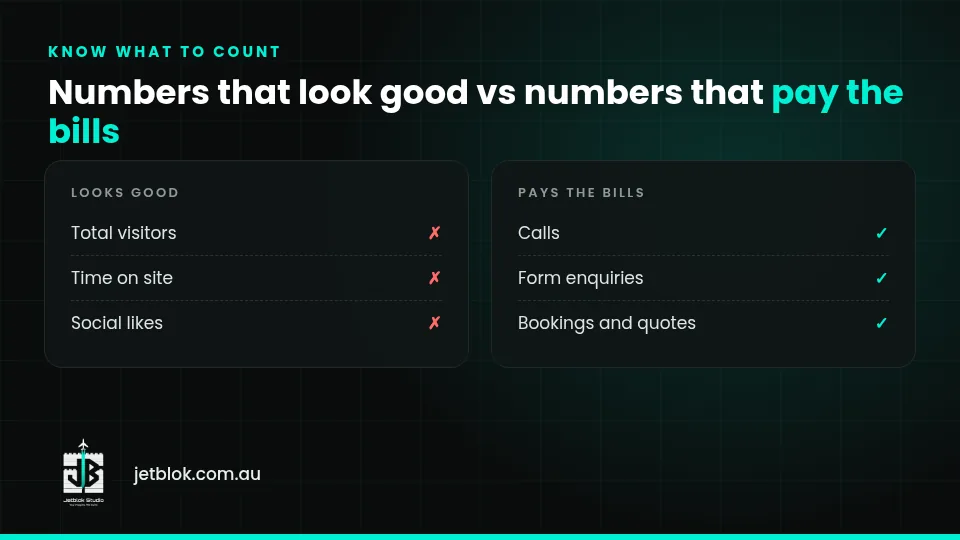
- Total visitors. A thousand visits from the wrong city won't bring a single job.
- Time on site. Someone who finds your phone number in five seconds and calls is a win, not a "bounce".
- Social likes. Nice to have, but they're not enquiries.
How to know if my website is working: the 10 minute monthly check
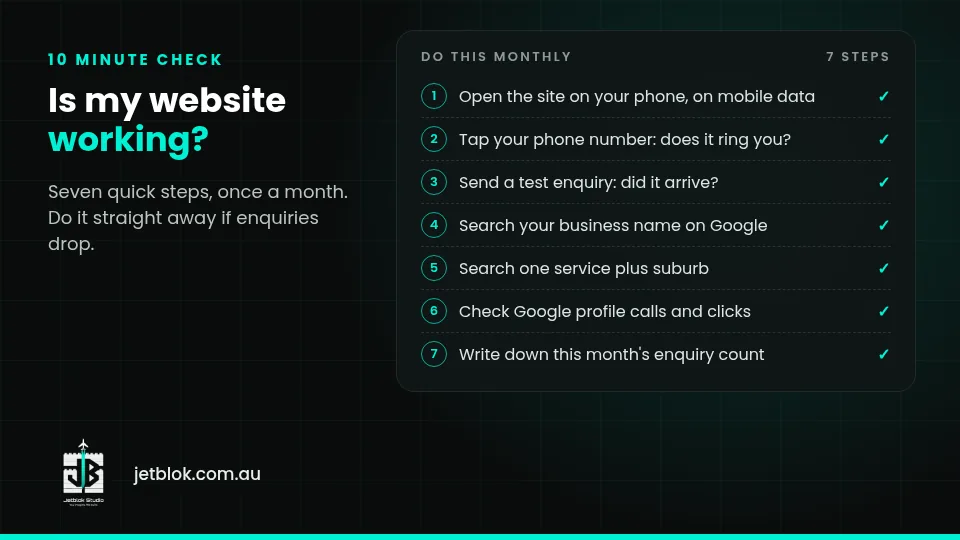
- Open your site on your phone using mobile data. Does it load quickly?
- Tap your phone number. Does it ring the phone you actually answer?
- Send a test enquiry through your form. Did it arrive, and not in spam?
- Search your business name on Google. Do your site and profile show up?
- Search one service plus suburb, like "blocked drain Gosnells". Are you there?
- Check your Google profile's calls and website clicks for the month.
- Write down this month's enquiry count.
Want more on getting found locally? See our local SEO checklist or Local SEO in Perth. Worried about security too? Read is my business website secure.
When to get help
You can fix some things yourself in minutes: a wrong phone number, old opening hours, a form going to an old email. Get help if:
- The site is down or showing errors.
- It's slow and you don't know why.
- Enquiries have dropped and nothing obvious changed.
- You're not showing up for the services you sell.
How JetBlok helps you know it's working
- Care Plan, $299 a month (optional): a monthly performance report, performance monitoring, security monitoring and updates, ongoing SEO and small edits. See the Care Plan.
- AI visibility audit (quoted): checks how ChatGPT, Gemini, Perplexity and Google's AI features describe your business. See the AI visibility audit.
- New site? Growth includes Google Business Profile setup and 3 months Local SEO. Pro includes 6 months. See small business web design in Perth.
Packages: Starter $999, Growth $1,999, Pro $2,999+, No GST. See pricing.
FAQ
What's the most important website metric for a small business?
Enquiries: calls, forms and bookings. Everything else only matters if it leads to more of those.
Is Google Analytics enough?
It's useful for visitor numbers. For a local business, though, Google Business Profile calls and website clicks, plus Search Console clicks and impressions, usually say more about enquiries.
How fast should my website load?
Google's target for good loading is the main content within 2.5 seconds. PageSpeed Insights will tell you whether your site passes.
How often should I check?
Once a month is plenty for most small businesses. Do it right away if enquiries suddenly drop.
Want a monthly report you can actually read?
Have a quick chat about what your site is doing for you today. Monday to Friday 8am to 6pm, Saturday and Sunday 10am to 7pm (Perth time).