
AccessiWidget features for shoppers and merchants
Quick answer: AccessiWidget gives shoppers a panel to adjust the storefront, and gives you a scan, an editable statement page and a reports inbox. Free covers the core set. Starter adds text-to-speech and keyboard helpers. Pro adds voice navigation. Prices are listed in USD on the Shopify App Store.
A shopper in bright sunlight, a parent buying with one hand free, a regular who likes larger type: each person arrives with a different comfort need. Features should feel like care, not like a badge. Here is what the panel and the admin actually do.
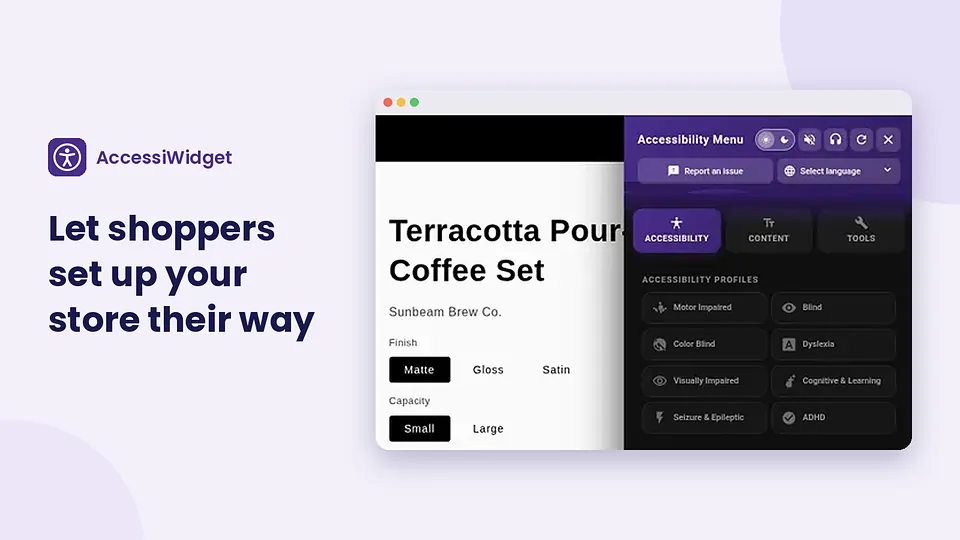
Shopper tools
The floating trigger opens a panel where shoppers adjust presentation preferences. Preferences stay in the browser. They are not a substitute for accessible theme defaults, but they give people control when they need it.
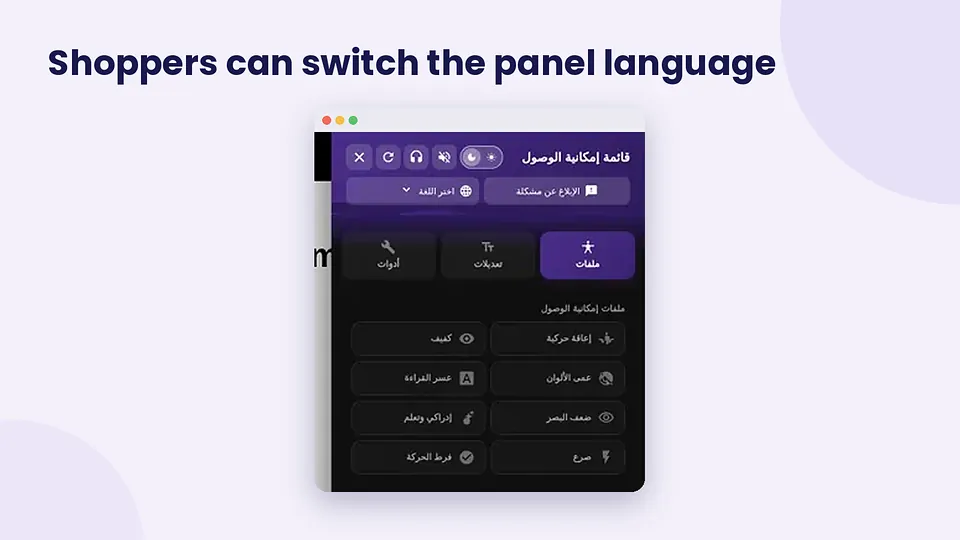
Open the panel from the floating trigger on any template the embed covers. Shoppers can stack tools: larger text with higher contrast, or a profile plus a reading guide. Multilingual panel options and right-to-left layout support help stores that serve more than one language community. None of these tools change your theme files; they adjust presentation in the shopper browser session.
When you explain the widget to staff, keep the story simple: the icon is optional, preferences stay on the device, and serious barriers still deserve a reply through your normal support channels. That pairs with the reports inbox when someone sends feedback from the panel.
Text size
Enlarge storefront text so product titles and prices stay readable.
FreeContrast
Raise contrast when the default palette feels washed out on a phone screen.
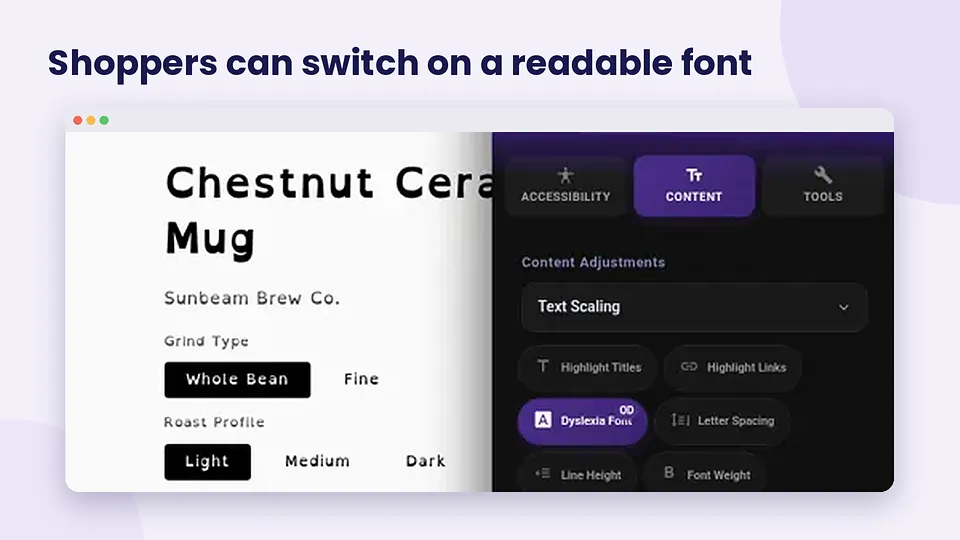
FreeDyslexia-friendly font
Switch to a font option aimed at more comfortable reading for dyslexic shoppers.
FreeReading guide
Follow lines of copy with a guide that reduces visual noise on dense pages.
FreePause animations
Calm motion that distracts or triggers discomfort while browsing.
FreePreset profiles
Apply a starting profile, then fine-tune individual tools from the same panel.
Free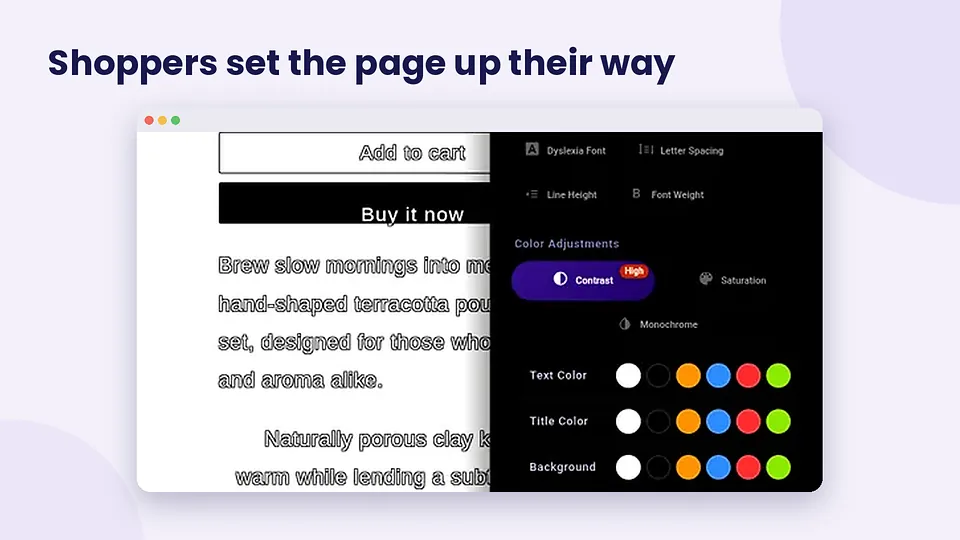
Merchant tools
The admin side helps you listen and publish. Pair these with the install guide so the embed is live before you promote the statement link.
Store scan
Check home, product and collection pages for common issues, with fix tips. Free shows the top three issues.
Free (top 3) · paid plans unlock moreAccessibility statement
Publish an editable statement page. Keep it honest. It is not a compliance claim.
FreeReports inbox
Collect shopper issue reports from the panel into one merchant inbox.
FreeCustom CSS
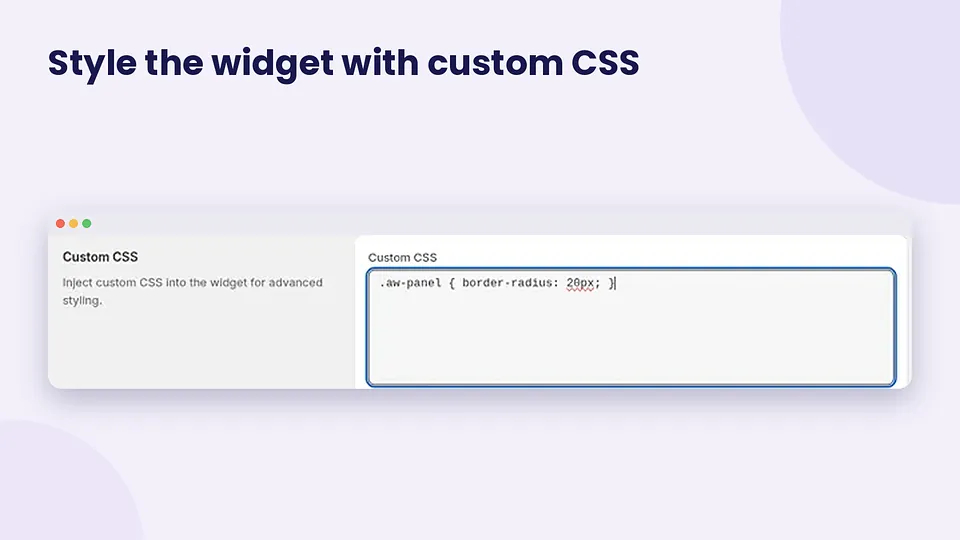
Tune panel presentation where the admin exposes custom CSS controls.
See plan in adminText-to-speech and keyboard helpers
Extra assistance for shoppers who prefer spoken content or keyboard paths.
StarterVoice navigation
Voice navigation for shoppers on the Pro plan.
Pro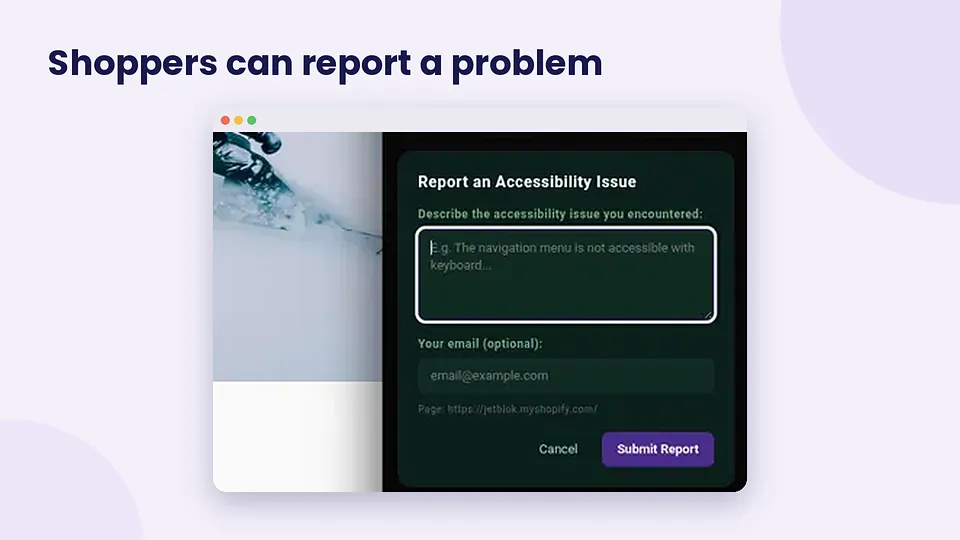
Honest limits
Features help people adjust presentation and help you find common issues. They do not make your store legally compliant by themselves. Alt text, focus order, form labels and contrast in the default theme remain your responsibility. Read the Shopify accessibility app guide for the checklist beyond the widget.
FAQ
What shopper tools does AccessiWidget include?
Shoppers can enlarge text, raise contrast, use a dyslexia-friendly font option, follow a reading guide, pause animations, and apply preset profiles. Multilingual panel options and RTL support are available on the Free plan per the App Store listing.
Which features are on Free versus Starter and Pro?
Free covers core shopper tools, profiles, languages and RTL, the reports inbox, the top three scan issues, and the statement page. Starter adds text-to-speech and keyboard helpers. Pro adds voice navigation. Confirm the live listing for your store region.
Does AccessiWidget track shoppers across sites?
Visitor preferences stay in the browser. JetBlok does not sell storefront visitor accessibility choices as marketing data. Read the AccessiWidget privacy policy for product-specific detail.
Can shoppers report an issue from the panel?
Yes. The report issue flow lets shoppers send feedback into your reports inbox so you can follow up on real storefront friction.
Is custom CSS available?
Merchants can use custom CSS controls where the plan and admin screen provide them, so the panel can sit closer to your brand without rewriting the theme.
More AccessiWidget guides
Try the features on your store
Install AccessiWidget from the Shopify App Store and explore Free tools before you upgrade.